Professional repair
Game Console Repair
Your store: Modesto / Ceres
HDMI, overheating and hardware repair for PlayStation, Xbox and Nintendo Switch.
Repair services & reservations
Explore the repair details and request your preferred store, date and time.
Repair timingConfirmed for your model and issue
Clear diagnosisPrice confirmed before work
Clear repair optionsConfirm terms before work begins
Repair options for your device
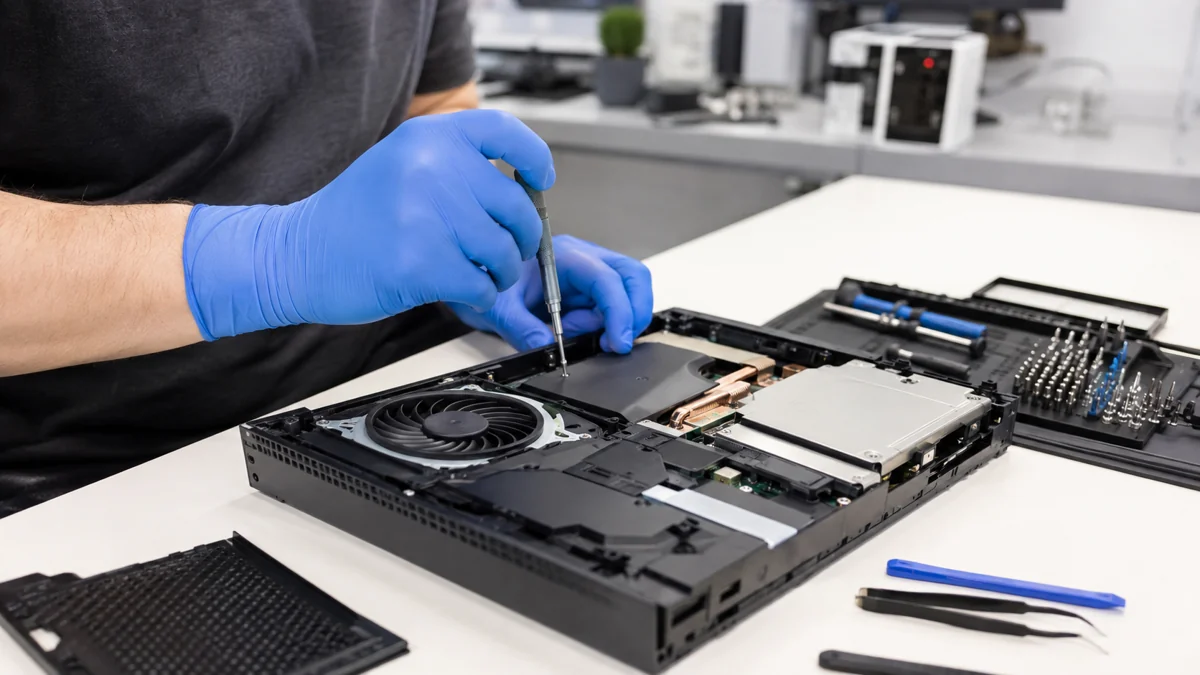
A PlayStation, Xbox or Nintendo Switch with no picture, overheating or no power needs diagnosis before parts are replaced. HDMI-port damage, cooling problems and internal faults can produce similar symptoms. Tell us the console model and whether it powers on, displays an image or shuts down during play.
Before your visit
Check another display cable if available, but do not force a damaged port. Call the store to confirm which cables, dock or controller to bring with the console.
What we fix
Common problems. Expert solutions.
Our technicians diagnose the problem, explain your options and confirm the cost before starting.
HDMI port
Professional diagnosis and repair with quality-tested parts.
Deep cleaning
Professional diagnosis and repair with quality-tested parts.
Overheating
Professional diagnosis and repair with quality-tested parts.
No power
Professional diagnosis and repair with quality-tested parts.
Storage upgrade
Professional diagnosis and repair with quality-tested parts.
Controller repair
Professional diagnosis and repair with quality-tested parts.
Repaired in four steps.
Choose a store
Tell us the issue
Get a diagnosis
Track the status
Available at all three locations
Modesto / Ceres
1540 E Hatch Rd, Suite C, Modesto, CA 95351
Every day, 9 a.m.–8 p.m.
209-360-4600Choose this store →Stockton · Airport Way
701 N Airport Way, Stockton, CA 95205
Every day, 9 a.m.–7 p.m.
209-414-8585Choose this store →Stockton · Benjamin Holt
526 W Benjamin Holt Dr, Suite A2, Stockton, CA 95207
Every day, 9 a.m.–7 p.m.
209-486-5757Choose this store →